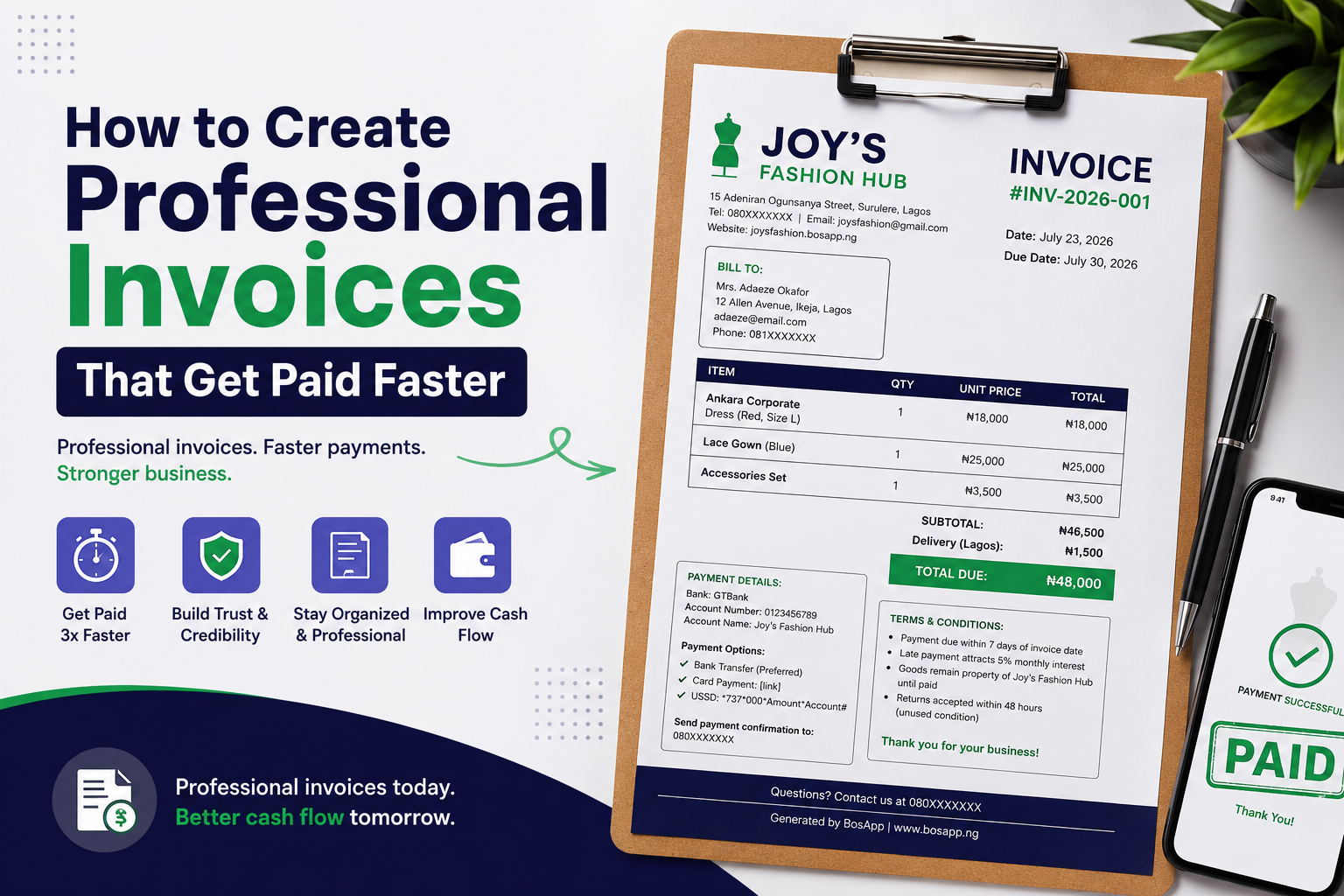
A customer has agreed to buy from you and asks for an invoice. With BosApp’s free invoice generator, you can create a naira invoice on your phone, add your business logo, and download a PDF to send to the customer. You don’t need to sign up.
A simple invoice can take less than two minutes when you have your customer’s name, prices, and payment details ready.
Before you start
Have these details handy so you can fill in the form in one pass.
Your business details. Business name, address, phone number, and email. Have your logo ready if you want to include it.
Your customer’s details. Their name or business name, plus an email or billing address if needed.
What you’re charging for. A description, quantity, and unit price for each product or service. Include delivery or any other agreed charge as a separate line.
When and how to pay. The agreed due date and payment instructions, such as your bank name, account name, and account number.
1. Open BosApp’s free invoice generator
Go to bosapp.ng, open Tools & Resources, and select Generate Invoice. You can also open the tool directly from here. Free invoice generator
Enter your business name and contact details, then upload your logo if you have one. Add the customer’s name and any billing details they want included on the invoice.
2. Add an invoice number and payment due date
Use a unique invoice number so you can find the document later and match it to a payment. If you’re starting a new sequence, you could use INV-001, then INV-002 for the next customer. If you already number your invoices, continue your existing sequence. The issue date is the date you send the invoice. The due date is when payment is expected. For example, if you issue the invoice on 16 November and agree that payment is due on 27 November, enter those two dates in their respective fields.
3. Enter the items and prices
Give each product or service its own line. Use descriptions that your customer will recognise from the order or quotation. BosApp multiplies the quantity by the unit price and updates the total as you type.
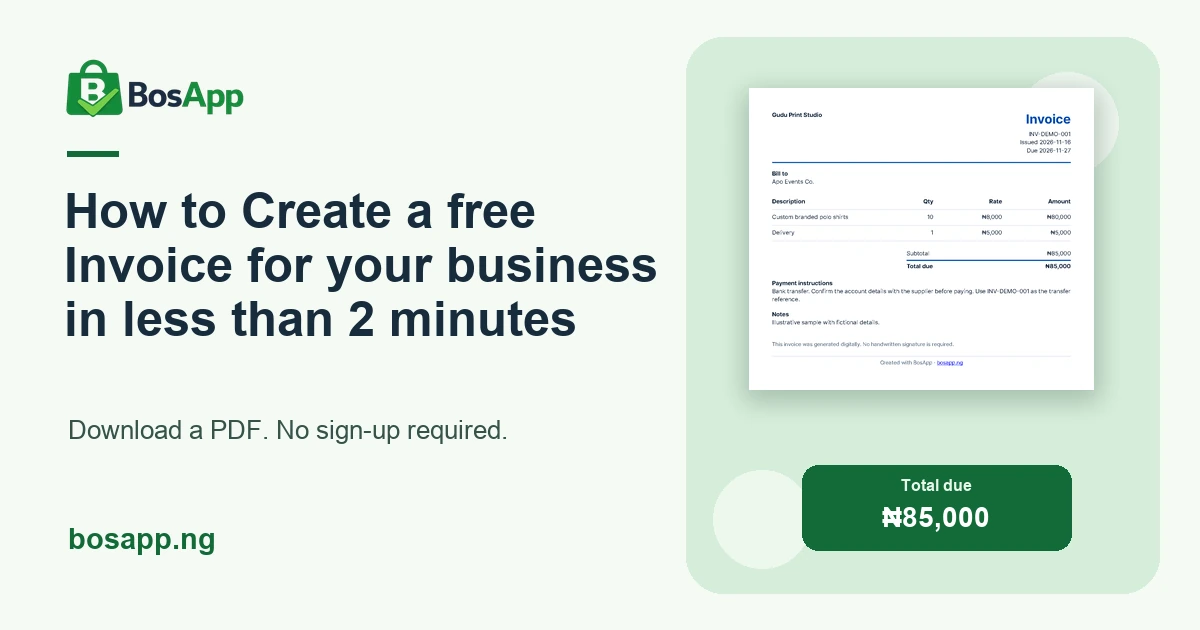
For example, a printing business billing a customer for ten branded polo shirts and delivery could enter the following.
| Description | Quantity | Unit price | Amount |
|---|---|---|---|
| Custom branded polo shirts | 10 | ₦8,000 | ₦80,000 |
| Delivery | 1 | ₦5,000 | ₦5,000 |
| Total due | ₦85,000 |
These figures are illustrative. If tax applies to your transaction, enter the applicable rate and check that the final total reflects it. Download the sample ₦85,000 invoice
4. Add payment instructions
Tell the customer how to pay in the Payment instructions field. For a bank transfer, include your bank name, account name, and account number. Ask the customer to use the invoice number as the transfer reference if that helps you match payments to orders.
Use Notes for anything the customer needs to know before paying, such as an agreed delivery date or when work will begin. If the customer has agreed to pay a deposit, state the amount and when the balance is due.
5. Preview, download, and send
Check the live preview for the customer’s name, invoice number, amount due, and bank details. Then select Download PDF.
To send it on WhatsApp, open the customer’s chat, tap the attachment icon, choose Document, and select the saved PDF. You can also attach the file to an email. Add a short message so the customer can see the amount and due date at a glance.
Hi, I’ve attached invoice INV-001 for the branded polo shirts and delivery. The total is ₦85,000, due on 27 November. Please use INV-001 as your transfer reference. Thank you.
What happens after the customer pays?
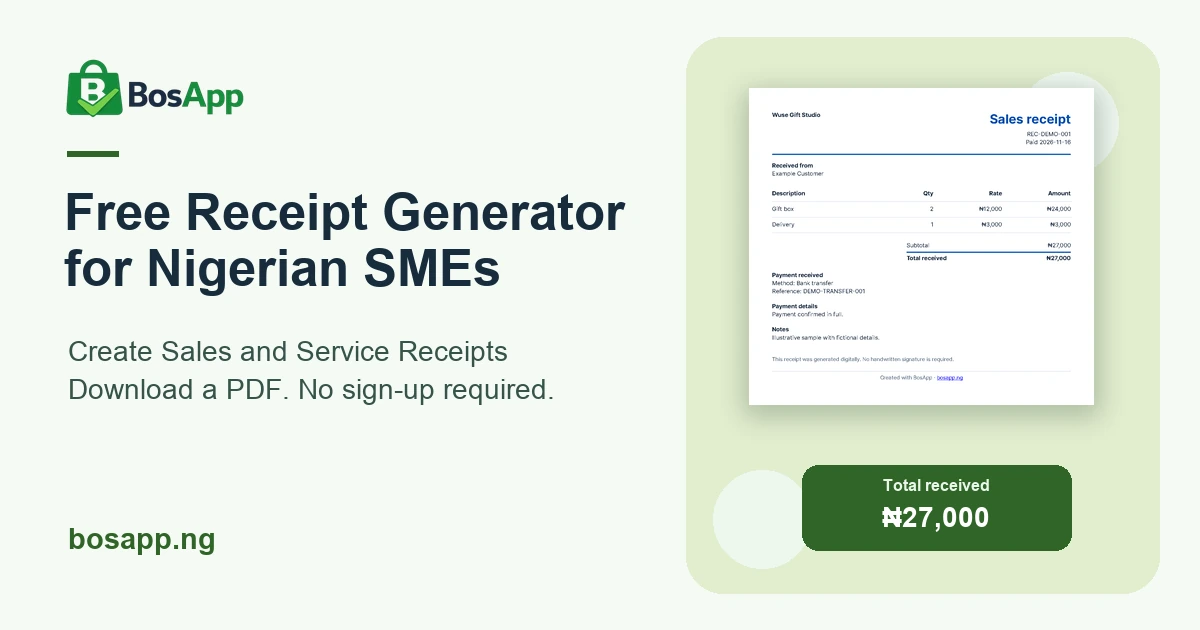
Keep a copy of the invoice for your records. Once you’ve confirmed the payment, you can send the customer a receipt showing the amount you received, the payment date, and the transfer reference.
Have a customer waiting for an invoice? Create your free invoice with BosApp