Organise your products
Add clear product names, prices and descriptions so each item is easy to identify.
BosApp product
Organise your product records and use the inventory tools available on your plan to keep quantities up to date.
One workspace
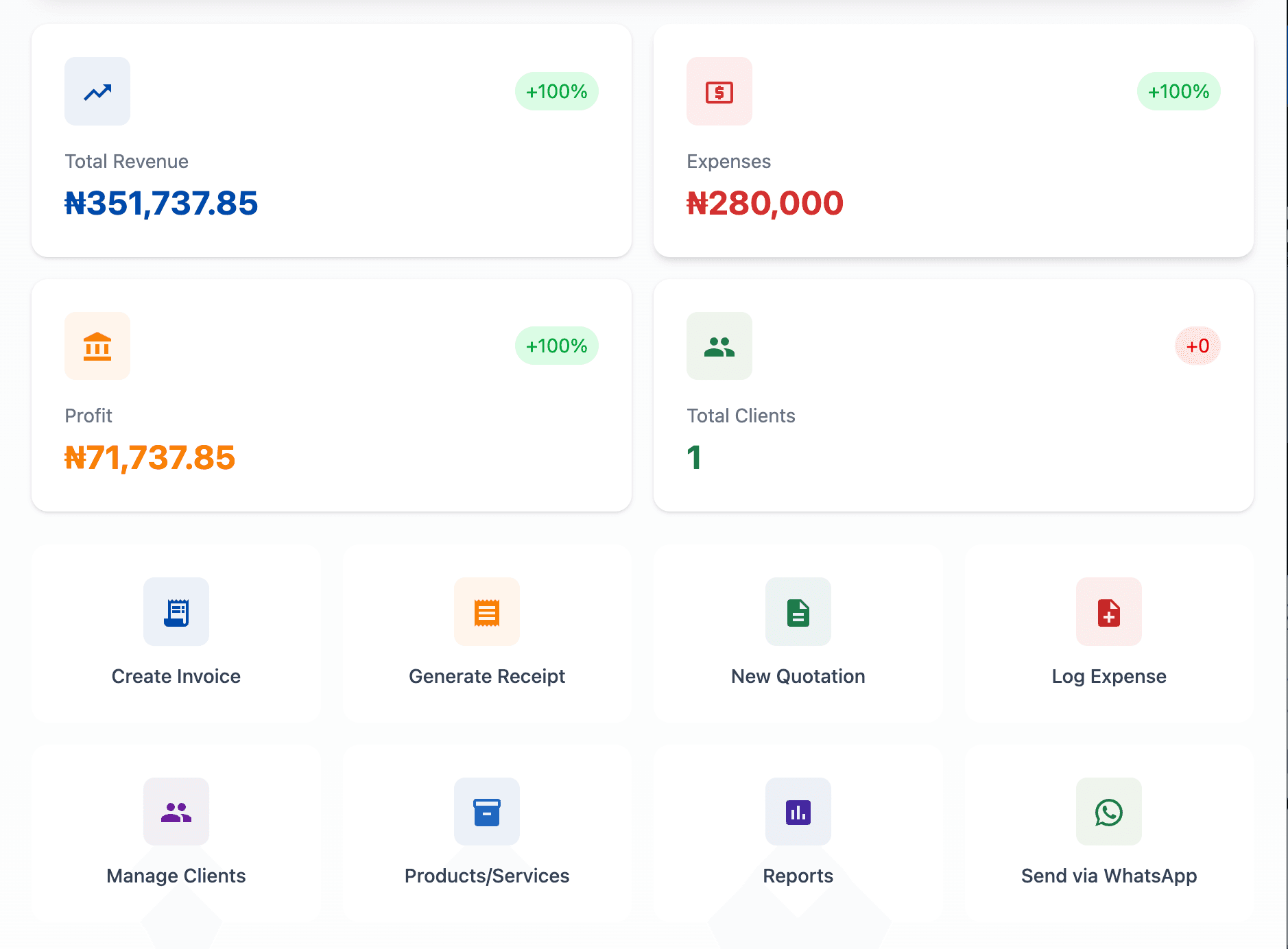
Return to your business dashboard for your records and available tools.
Actual BosApp dashboard shown with sample data. Features and usage limits vary by plan.
Add clear product names, prices and descriptions so each item is easy to identify.
Record changes as products come in or go out. Keeping the records current makes them more useful.
Use the available stock information alongside your sales records when deciding what to buy next.
Your next step
Start with your store, your first invoice, or today’s business records.