After a customer pays, send them a receipt that shows how much you received, what they paid for, and when they paid. Whether you sell gift boxes through WhatsApp or repair air conditioners for a living, you can create a receipt in naira with BosApp, download it as a PDF, and send it from your phone. The generator is free to use and requires no account. Open the free BosApp receipt generator
When should you send a receipt?
Send a receipt once you’ve confirmed payment. If a customer pays by bank transfer, check that the money reached your account before issuing the receipt. The payment date on the receipt should reflect when you received the money.
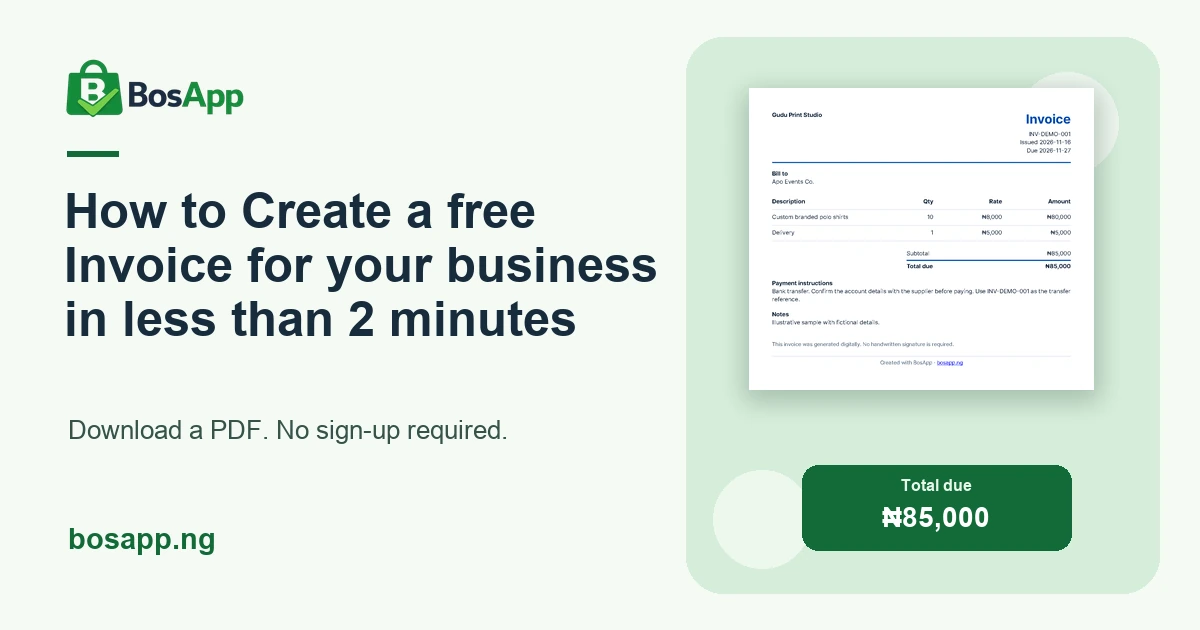
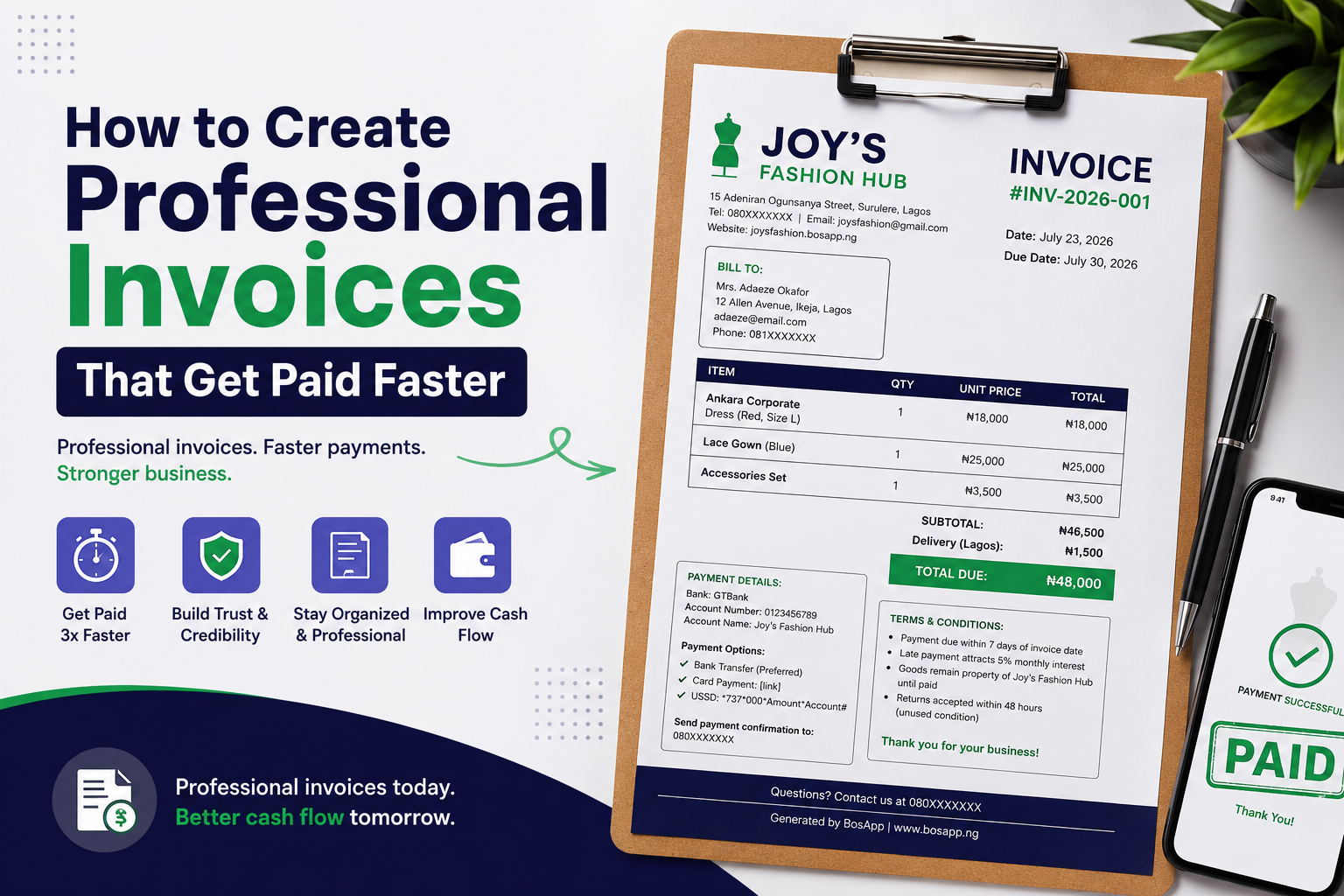
If the customer still owes you the full amount, send an invoice requesting payment. If they’ve paid a deposit or part of the bill, issue a receipt for the amount received and note the balance separately. Create a free invoice
Choose a sales receipt or a service receipt
| Receipt type | When to use it | What to record |
|---|---|---|
| Sales receipt | A customer pays for goods, such as clothing, baked goods, or phone accessories. | Products sold, quantities, unit prices, and any delivery charge included in the payment. |
| Service receipt | A customer pays for work, such as AC servicing, tailoring, cleaning, or repairs. | Services performed, labour and materials paid for, and the job location or scope of work if relevant. |
Use the Sales receipt or Service receipt button at the top of the generator to choose your format. Both formats let you add a business logo, customer details, a payment date, and a payment reference.
Example 1: Sales receipt for a WhatsApp order
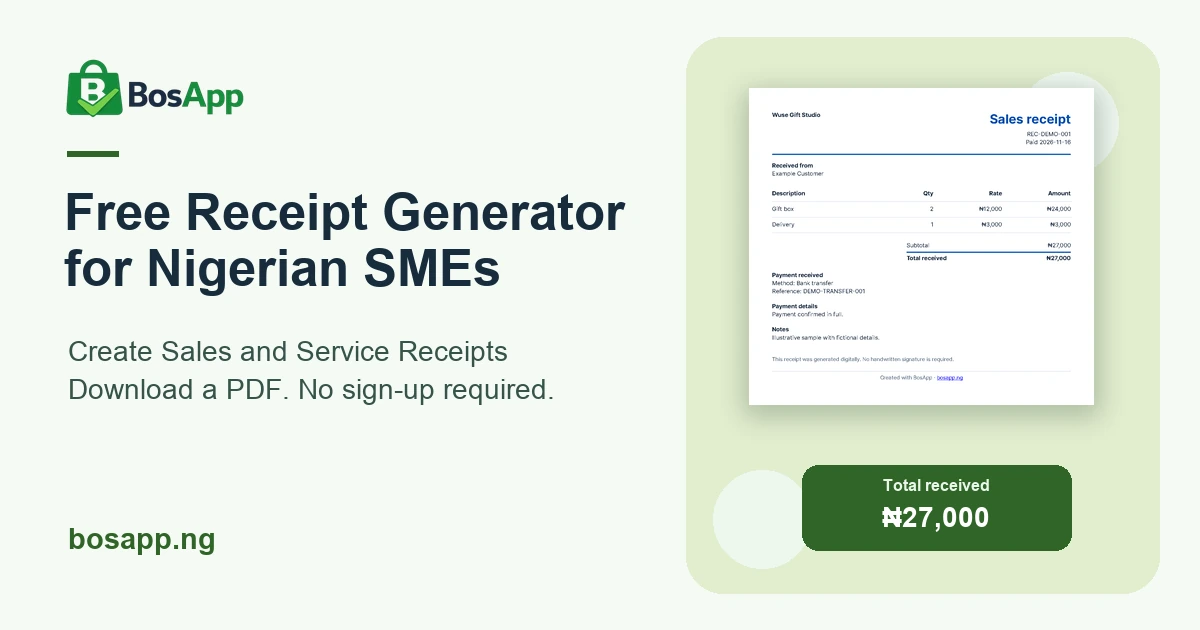
A customer orders two gift boxes over WhatsApp. Each box costs ₦12,000, and delivery costs ₦3,000. After you confirm that the customer transferred ₦27,000, select Sales receipt and itemize the order like this.
| Description | Quantity | Unit price | Amount |
|---|---|---|---|
| Gift box | 2 | ₦12,000 | ₦24,000 |
| Delivery | 1 | ₦3,000 | ₦3,000 |
| Total received | ₦27,000 |
Enter Bank transfer as the payment method and add the transfer reference if you have it. If the customer already has an invoice, you can include its number in the payment details so both documents are easy to match.
Example 2: Service receipt for AC maintenance
An AC technician services two split units at a customer’s shop. The customer pays ₦30,000 after the work is finished. Select Service receipt, enter the job title and site address, and describe the work performed.
| Description | Quantity | Unit price | Amount |
|---|---|---|---|
| Split AC cleaning and service | 2 | ₦12,000 | ₦24,000 |
| Drain line clearing | 1 | ₦6,000 | ₦6,000 |
| Total received | ₦30,000 |
In Scope of work, you could write: “Cleaned and tested two split AC units and cleared one blocked drain line.” That gives the customer a record of the specific work they paid for. Both examples use illustrative prices.
How to create and send your receipt
Open the generator. Go to bosapp.ng, select Tools & Resources → Generate Receipt, and choose Sales receipt or Service receipt.
Enter your business and customer details. Add your business name and contact details. Upload your logo if you want it on the receipt.
Add a receipt number and payment date. Use a unique number, such as
REC-001, so you can find the transaction later. For a service receipt, include the job title, site, and scope where relevant.Itemize what the customer paid for. Add the products or services, quantities, and rates. Enter the payment method and any reference that helps identify the transaction.
Check the preview and download. Confirm that the total received matches the payment, then select Download PDF. Attach the PDF as a document in the customer’s WhatsApp chat or send it by email.
You can include a short message when you send the receipt:
Hi, thanks for your payment. I’ve attached your receipt for ₦27,000, covering the two gift boxes and delivery. Please keep it for your records.
How to record a deposit or part-payment
Suppose a client pays a ₦20,000 deposit on a ₦50,000 job. Add a line item such as Deposit for AC installation, with a quantity of one and a rate of ₦20,000. The receipt should show ₦20,000 received. In Payment details, record the agreed job price and the ₦30,000 balance still due. When the balance arrives, issue a receipt for that payment and reference the original job or invoice.
Ready to acknowledge a payment? Create a free sales or service receipt with BosApp