Retailers & online sellers
Put your catalogue online and keep products and orders organised.
See the tools →Built for Nigerian small businesses
Create your online store, send invoices and keep track of expenses and what customers owe you—with BosApp.
Free to start. No card required.
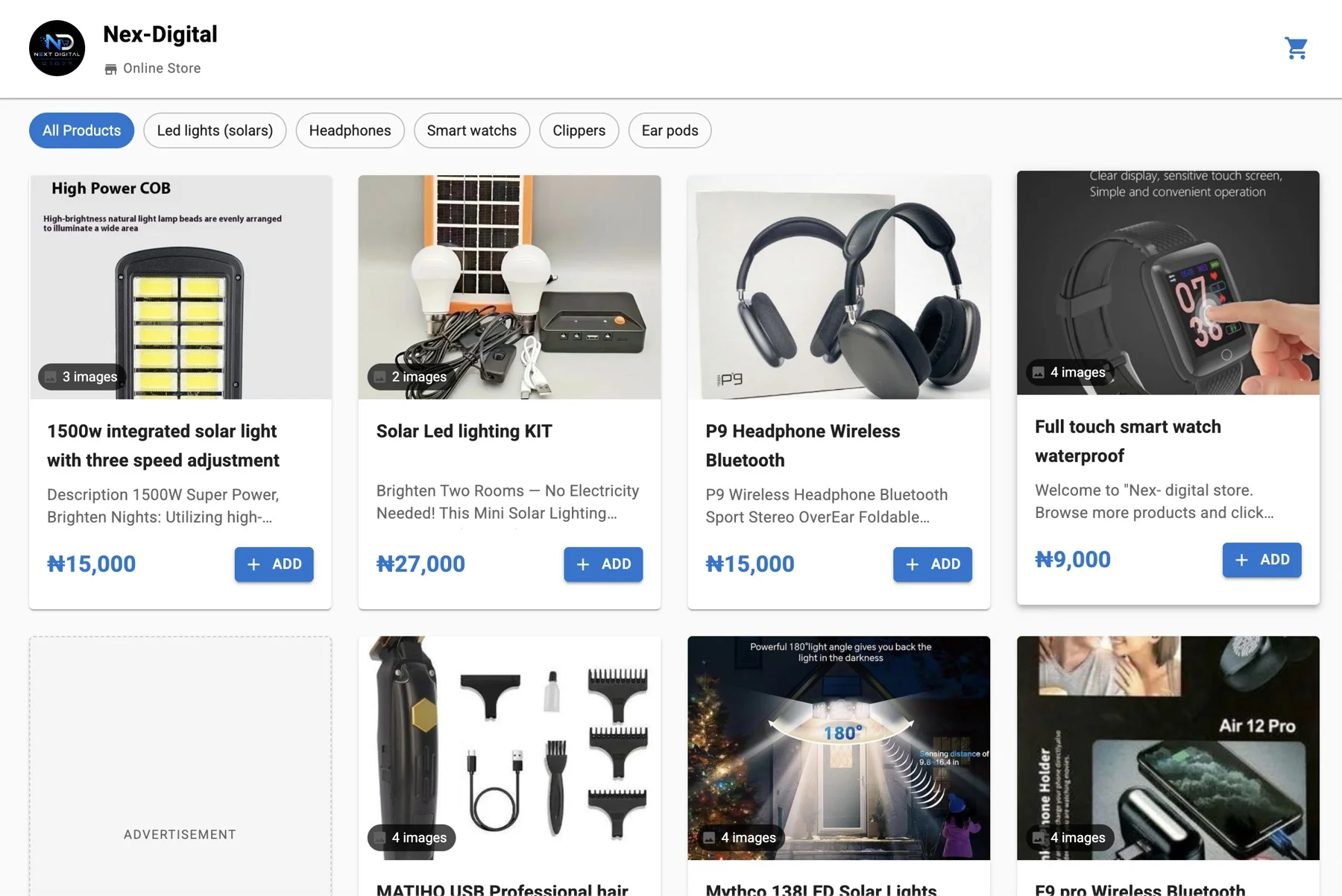
From your first sale to your daily records.
Share your store link
Send invoices & receipts
Track expenses & debts
120 vendors and businesses registeredBuilding with BosApp, one business at a time.
Registration count as of 18 November 2026.
A working day, made simpler
Keep the everyday parts of running your business connected, so you can find what you need when you need it.
Give your products a home online. Add photos and prices, organise your catalogue, and share your store with customers.
Explore online stores →Prepare an invoice with the customer’s details, products and amounts. Create a receipt when payment is received, and share the document with your customer.
Try the free invoice tool →Illustrative document · sample data
Prepared for: Sample customer
A clear description. An agreed amount. A record to keep.
Record expenses, keep customer balances in view, and return to one dashboard for a clearer picture of your business.
Explore business records →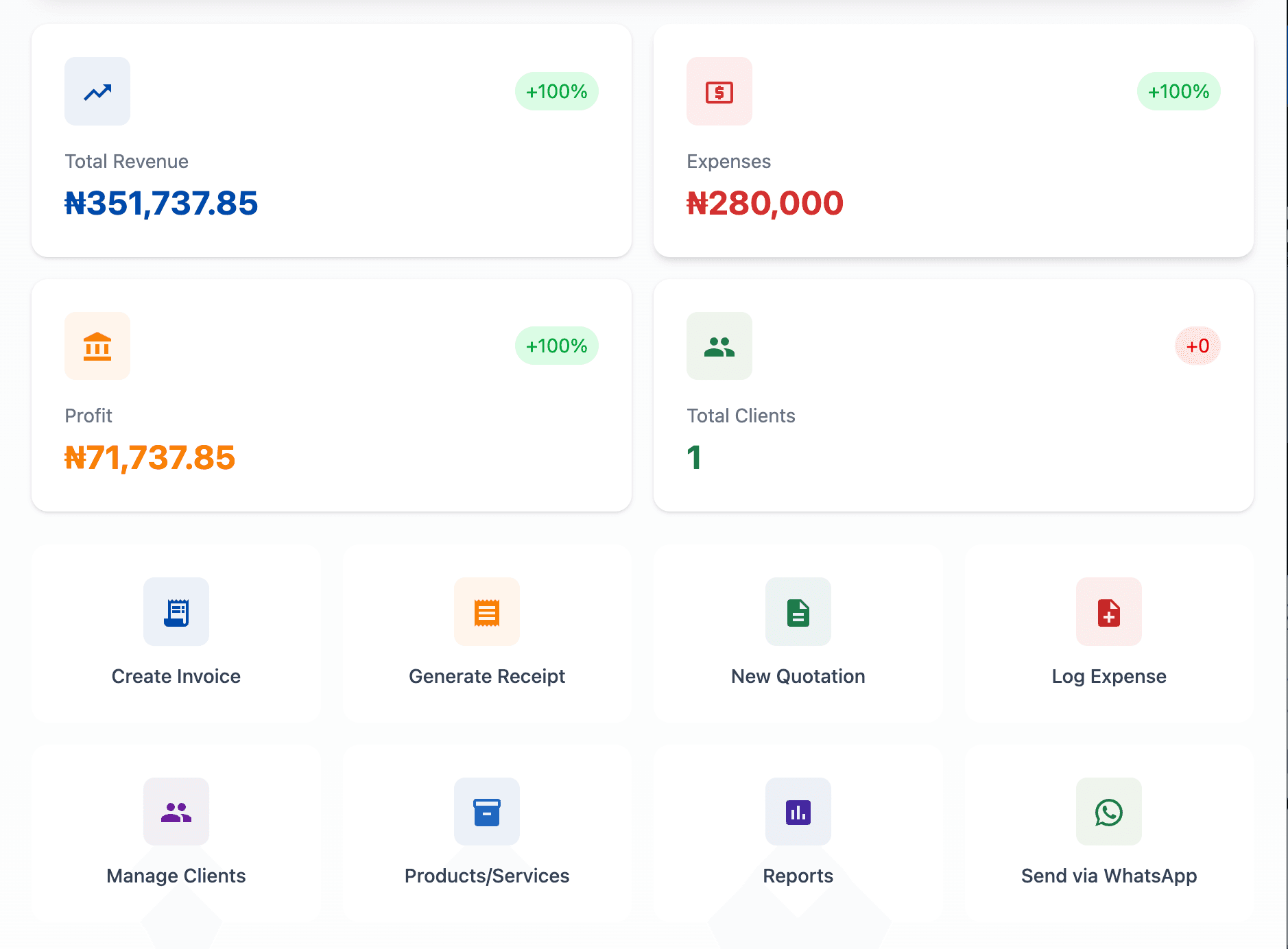
Bulk SMS
Send product updates, offers and payment reminders to selected customers. Compose your message, check the estimated SMS units, and review your send history from BosApp.
Explore Bulk SMS →Example customer message
Hi Ada, our new collection is now in store. Reply to ask about available sizes or visit our store link to browse. — Your business
Illustrative message. Send promotions to customers who have agreed to receive them.
Made with BosApp
Real storefronts created by vendors on BosApp. Explore fashion, electronics, and beauty through these store examples.
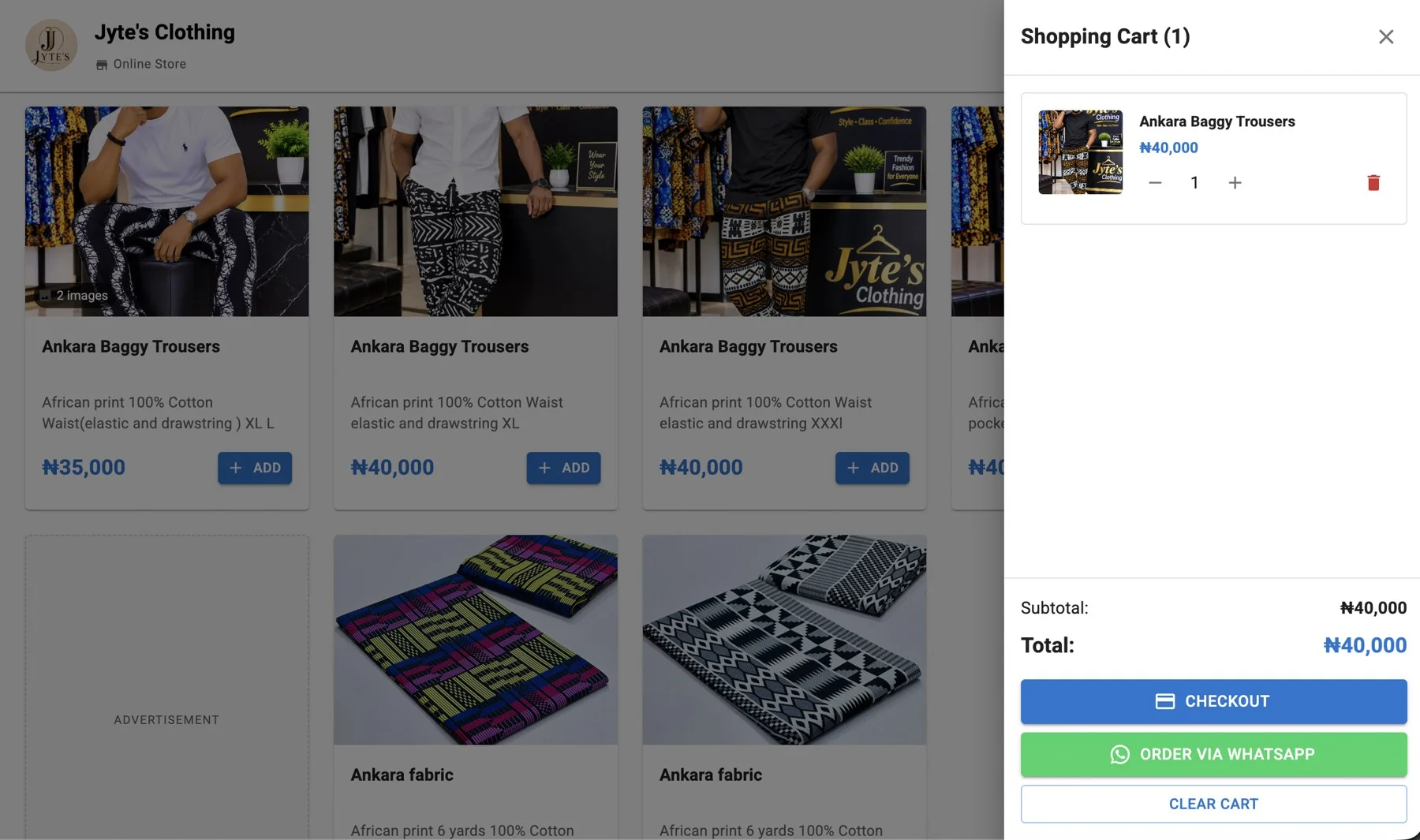
Store screenshots and recording supplied by BosApp. Product listings, prices and availability may change.
Getting started
Add your contact details and choose a password.
Choose your business name, category and store address. Add your branding later.
List your first product, prepare an invoice, or record an expense.
Who it’s for
Put your catalogue online and keep products and orders organised.
See the tools →Quote for work, send an invoice, and keep a record of what you’re owed.
See the tools →Explore stock, staff and reporting tools as your business needs change.
See the tools →Your next step
Start with your store, your first invoice, or today’s business records.